 Research Logbook
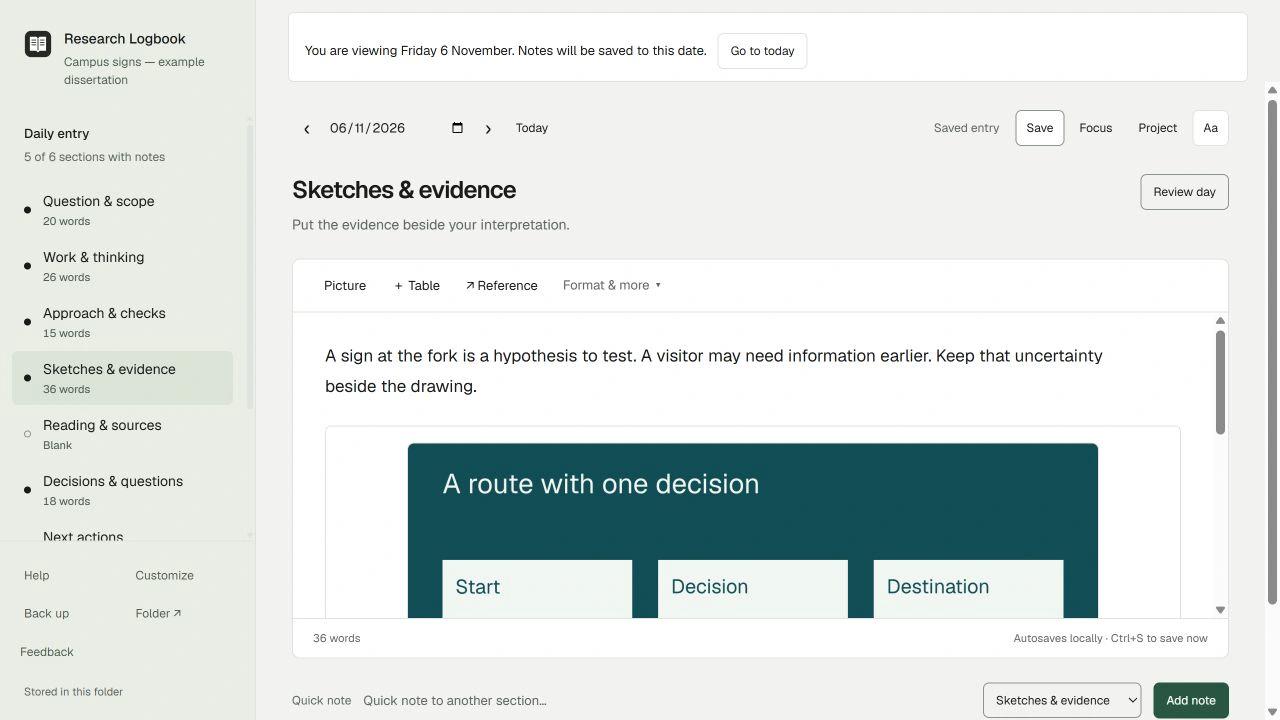
Keep the question visible
Write a working question and one boundary in Question & scope. For the fictional library-route example: “What would let me distinguish unclear wording from an unclear sign location?” The boundary is a bounded wayfinding question; it is not a claim that either layout has been tested.
Record work by date
Write what you actually did in Work & thinking. Separate a plan from a completed action. The example moves from a question, to a route sketch, to a planned discussion on 5–7 November. Open those dates to see the sequence.
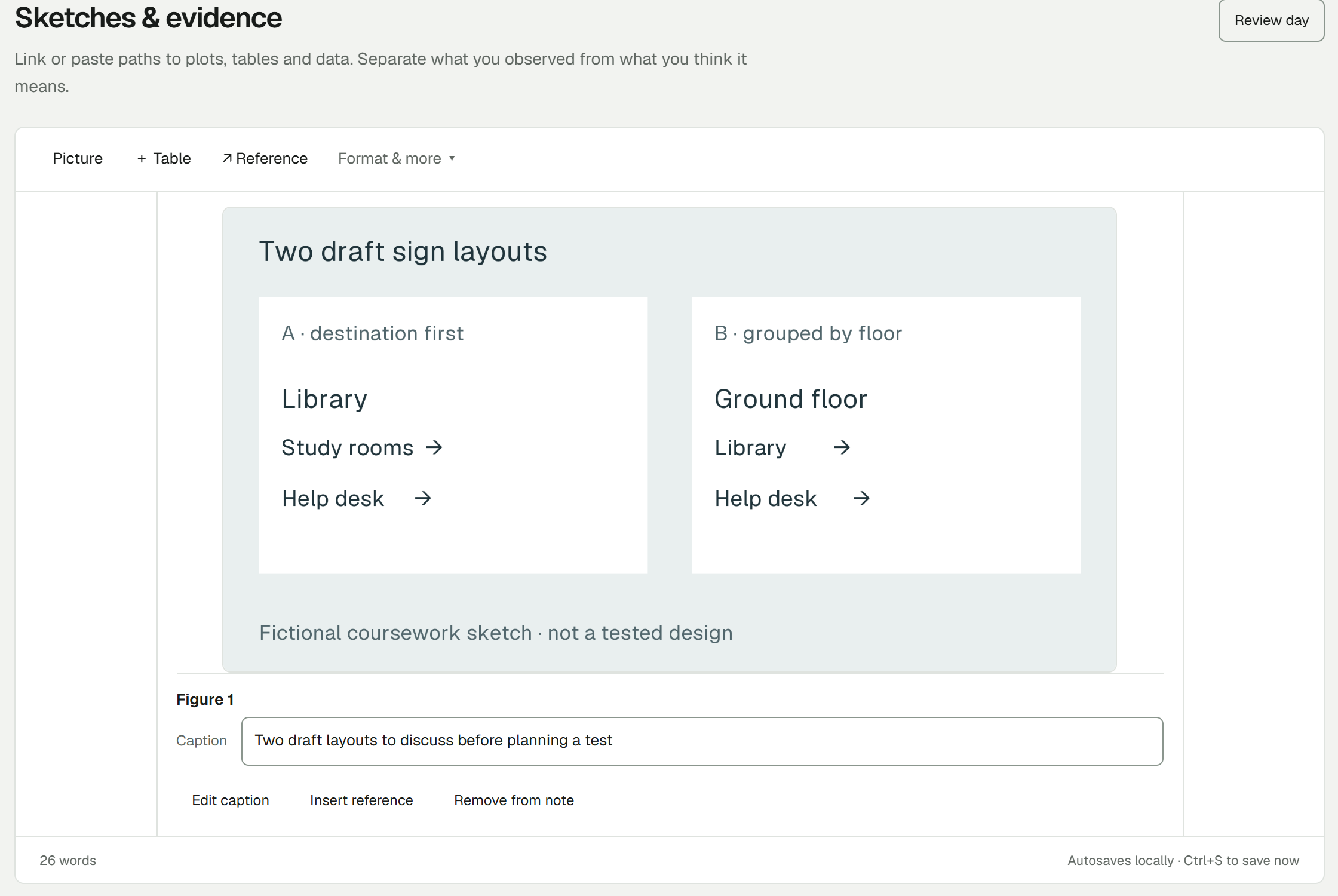
Put evidence beside its meaning
Add a sketch or picture to Sketches & evidence, then write a caption that says what it shows and why it matters. State what has not been tested. Store sensitive research only where your project permits it.
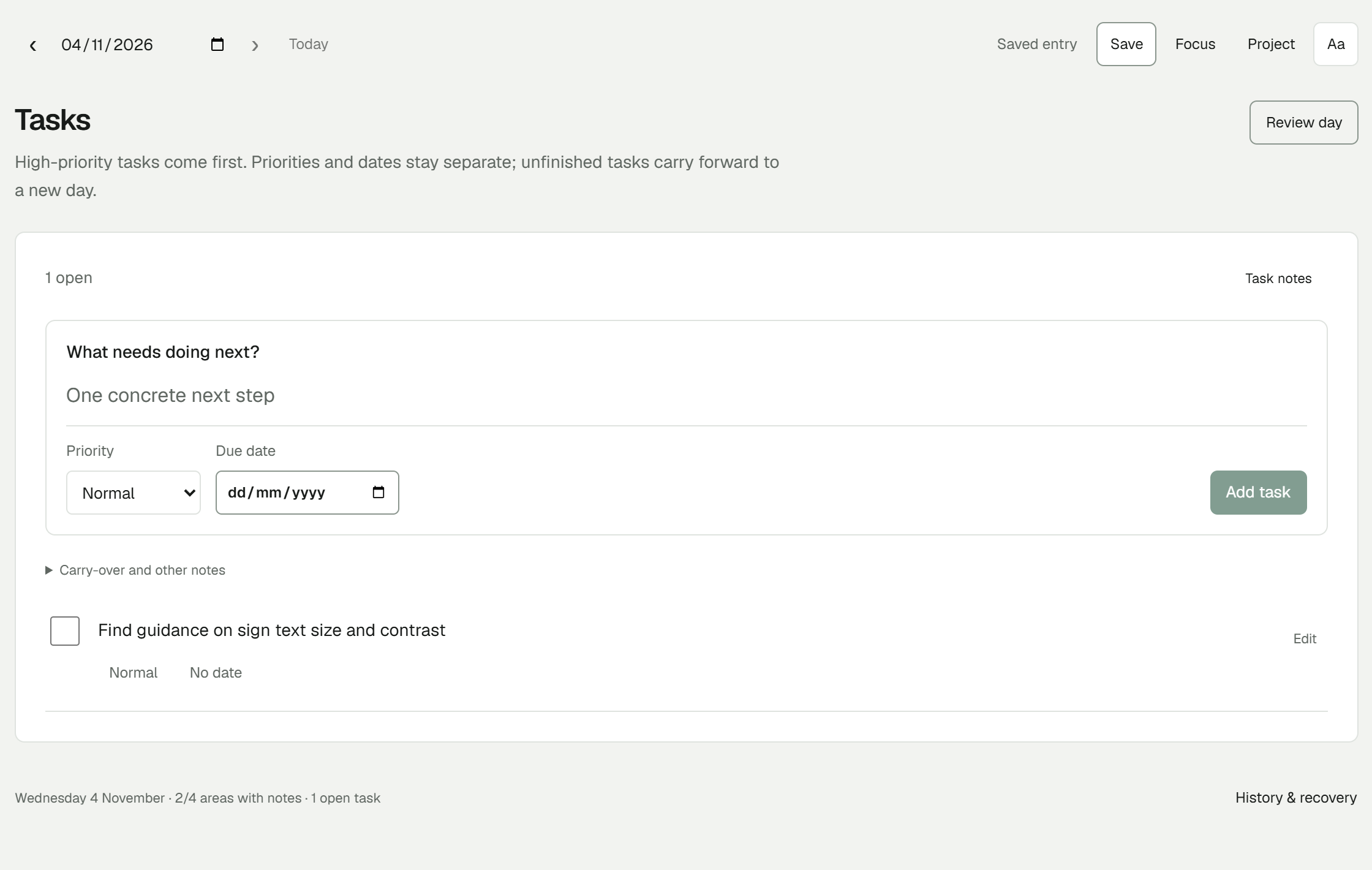
Leave a small next action
“Continue dissertation” is difficult to start. “Replace Source card A with one genuine reading note” gives the next session a concrete beginning. Use Next actions and the closing review to leave that instruction.
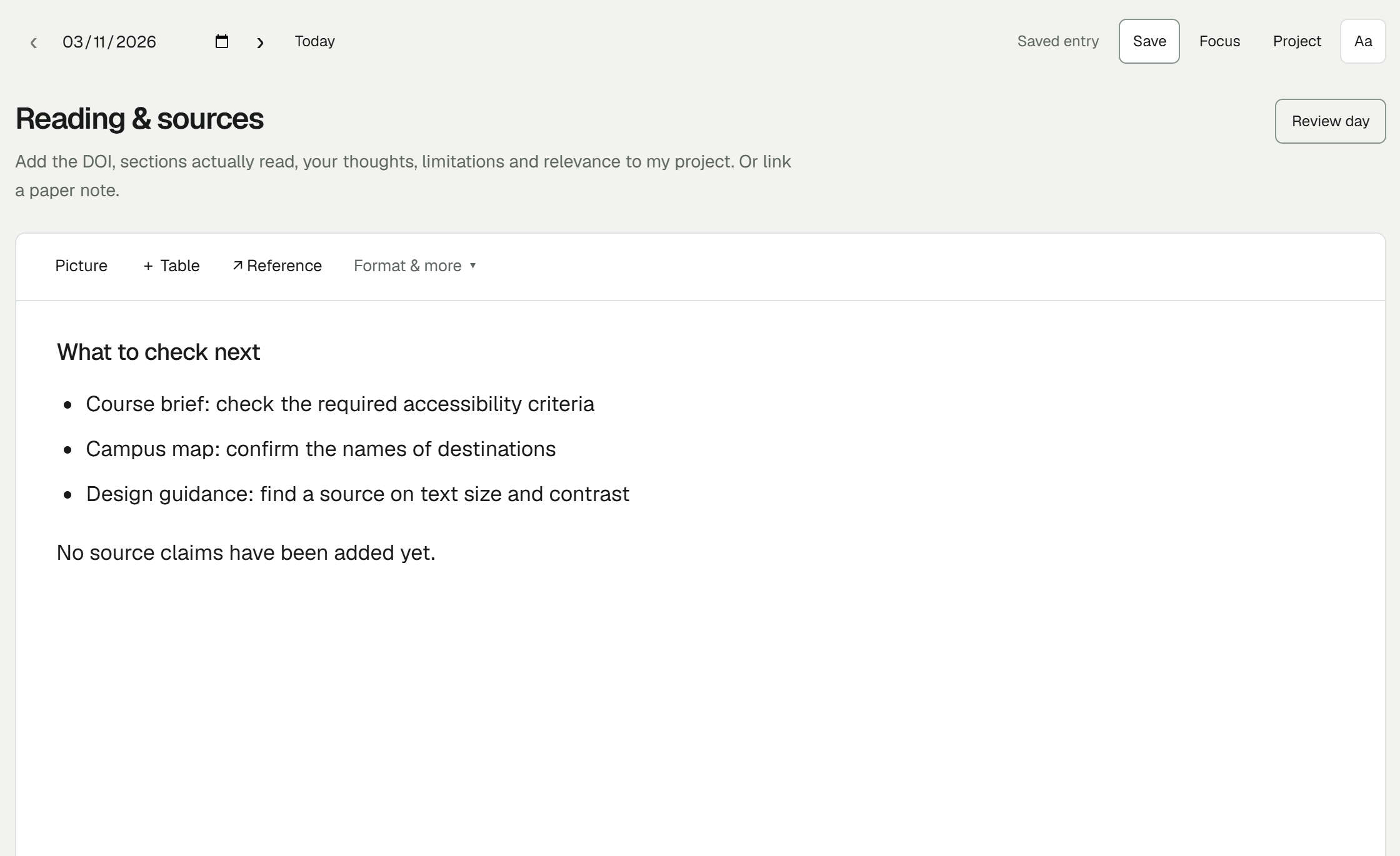
Keep source notes and a backup
Use Reading & sources for detailed notes and a reference to the source location. Research Logbook complements your reference manager; it does not replace a citation database. Make a separate notebook backup using the app’s backup controls or a complete folder copy while the app is closed.
Try one project note
Download the starter, open the worked example, then use its clean layout for your own project. No separate Research Logbook account is needed.
Free early beta for Windows x64. Start with a made-up note and keep a separate backup.