 Research Logbook
Write a review question
Decide what you are comparing before collecting more notes. The fictional example compares two definitions of engagement. Its Source A and Source B are invented teaching examples, not real papers or citations.
Keep a search record
In Search & selection, record the database, date, exact query and the criteria you used. Mark a planned search as planned. A search log supports your own review trail; the starter is not a validated systematic-review protocol.
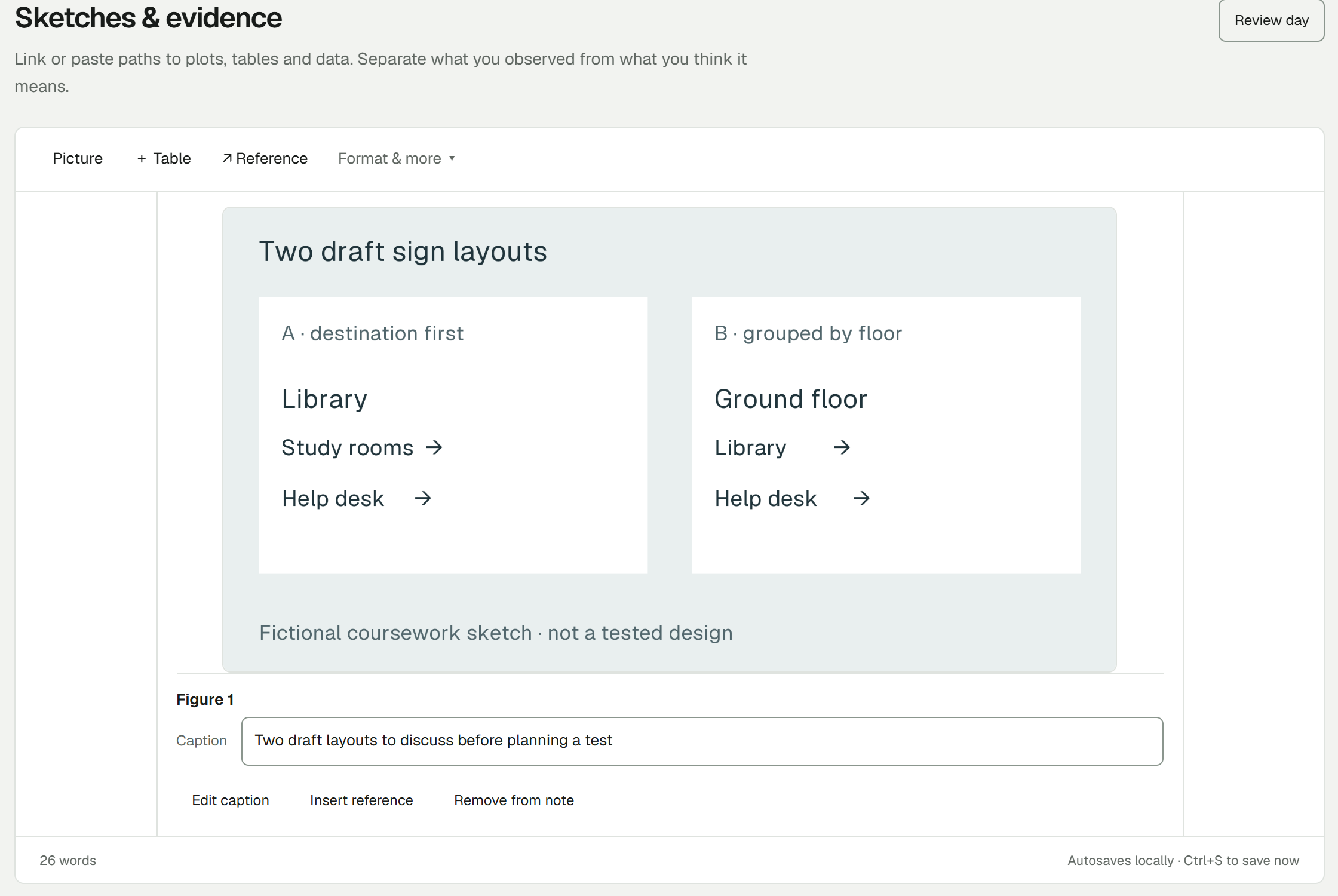
Separate claim and interpretation
In Source notes, record the title or identifier, relevant page or section, the source’s claim in your own words, your interpretation and a limitation. Mark quotations as quotations and retain the source reference.
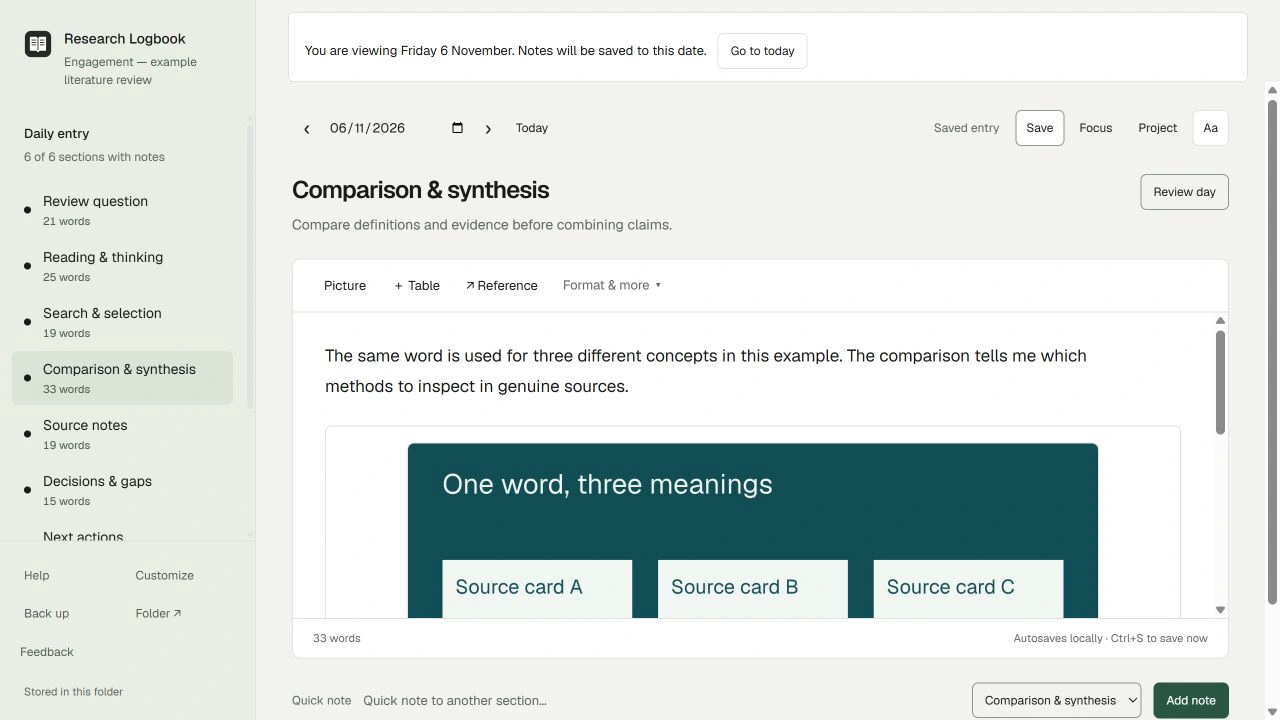
Compare definitions before totals
If two sources use the same word differently, do not treat their measures as interchangeable. In Comparison & synthesis, state what matches, what differs and what you need to check. The example leaves a methods comparison unfinished.
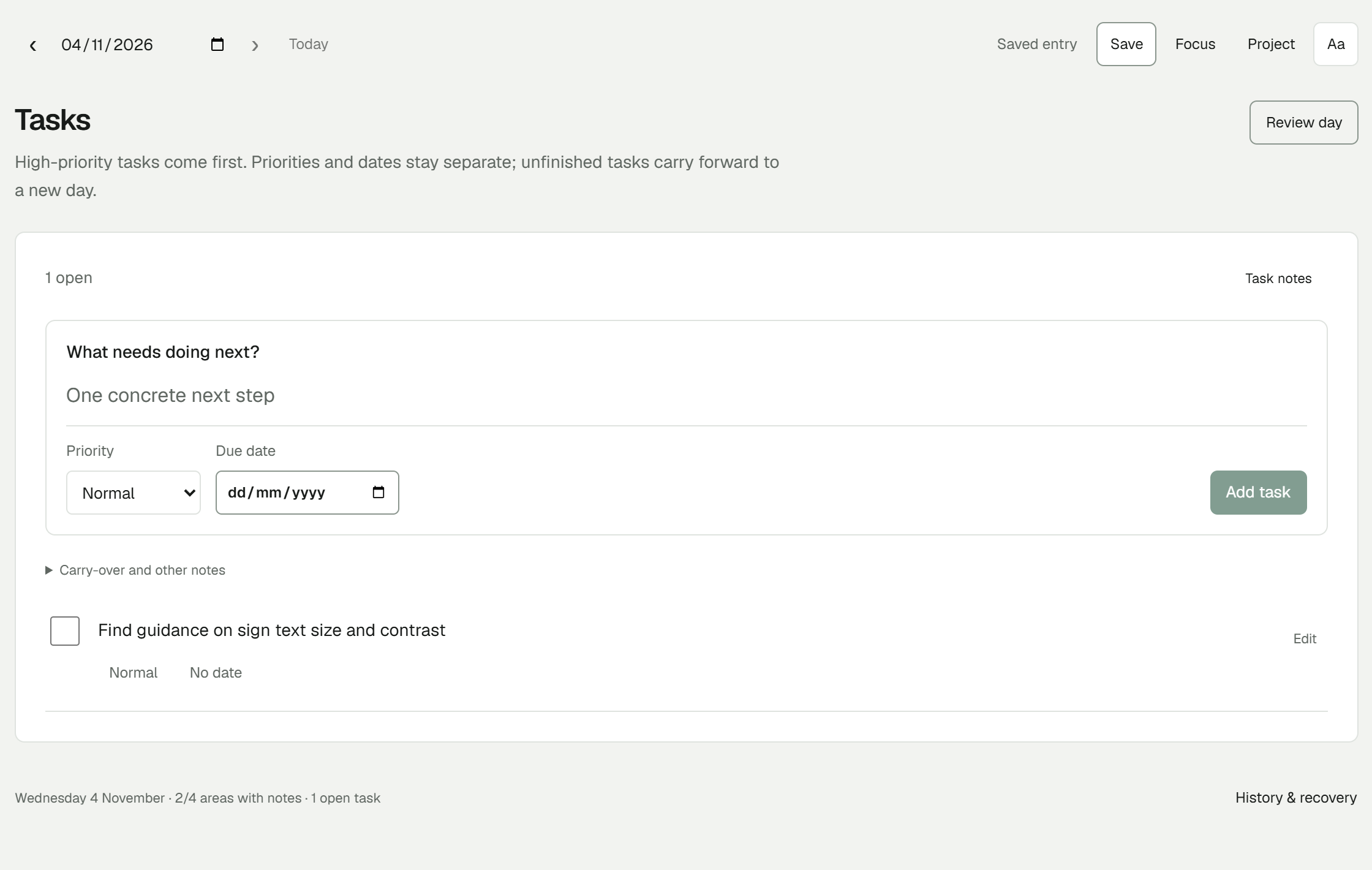
Return to an explicit next check
Leave an actionable task such as “Revisit the source notes before combining two differently defined measures.” Keep bibliographic records in your reference manager and use the notebook to preserve your reasoning and decisions.
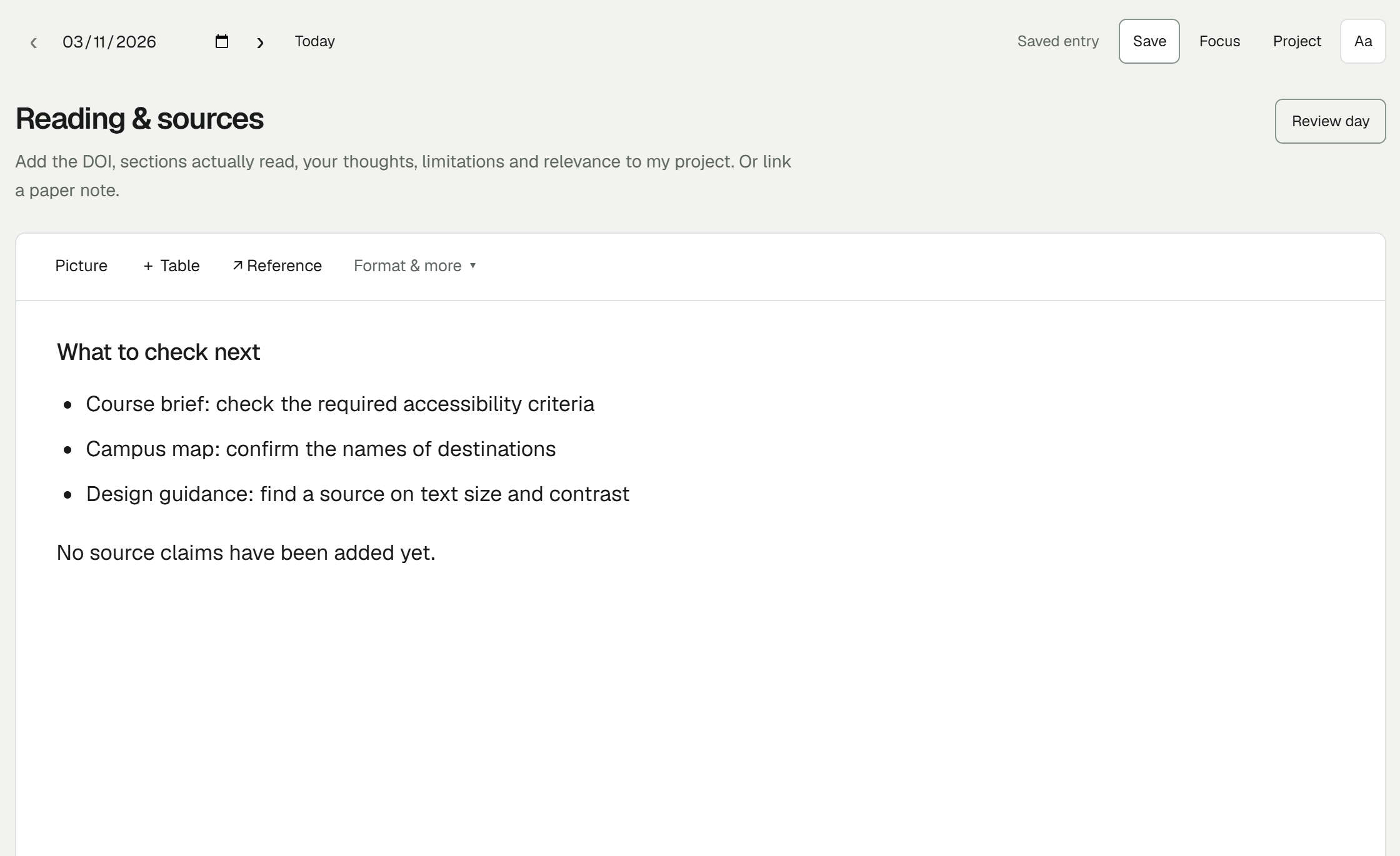
Try one project note
Download the starter, open the worked example, then use its clean layout for your own project. No separate Research Logbook account is needed.
Free early beta for Windows x64. Start with a made-up note and keep a separate backup.