 Research Logbook
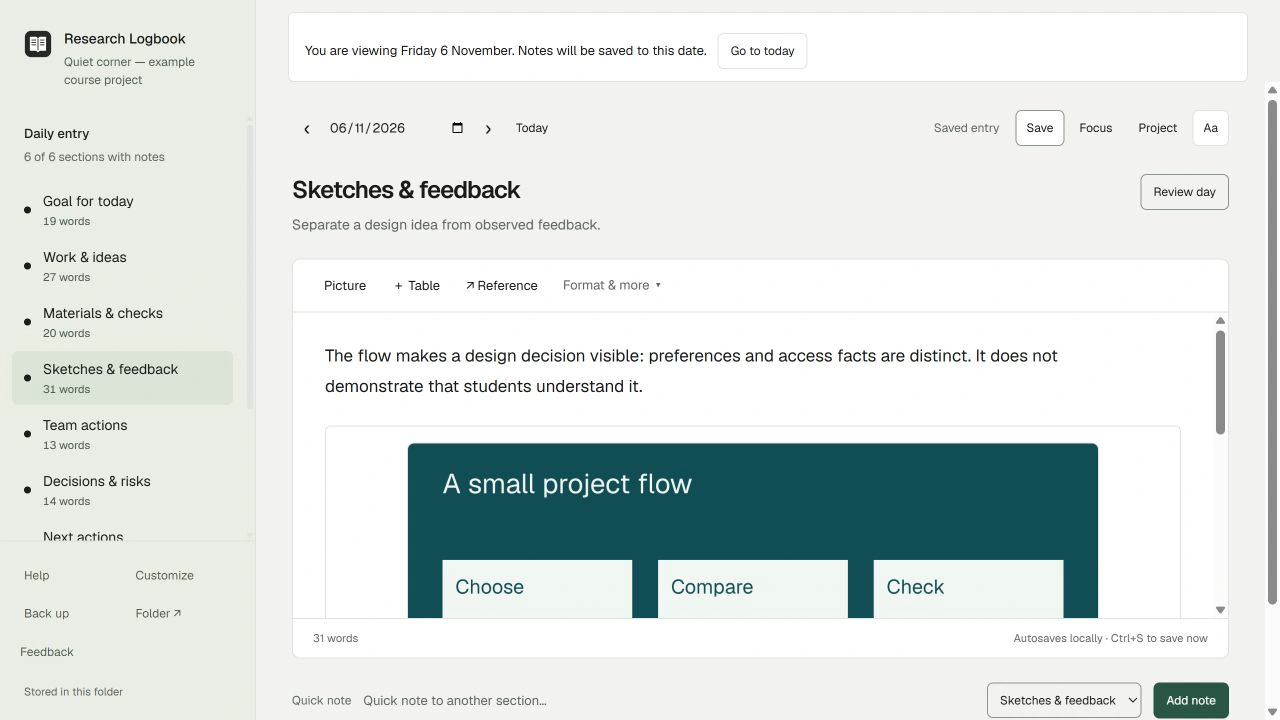
Start with the brief
Put the project question and constraints in Goal for today. The fictional course project explores a quiet campus study corner. It has not collected real student feedback, so its notes never present an idea as a tested result.
Add the picture with a caption
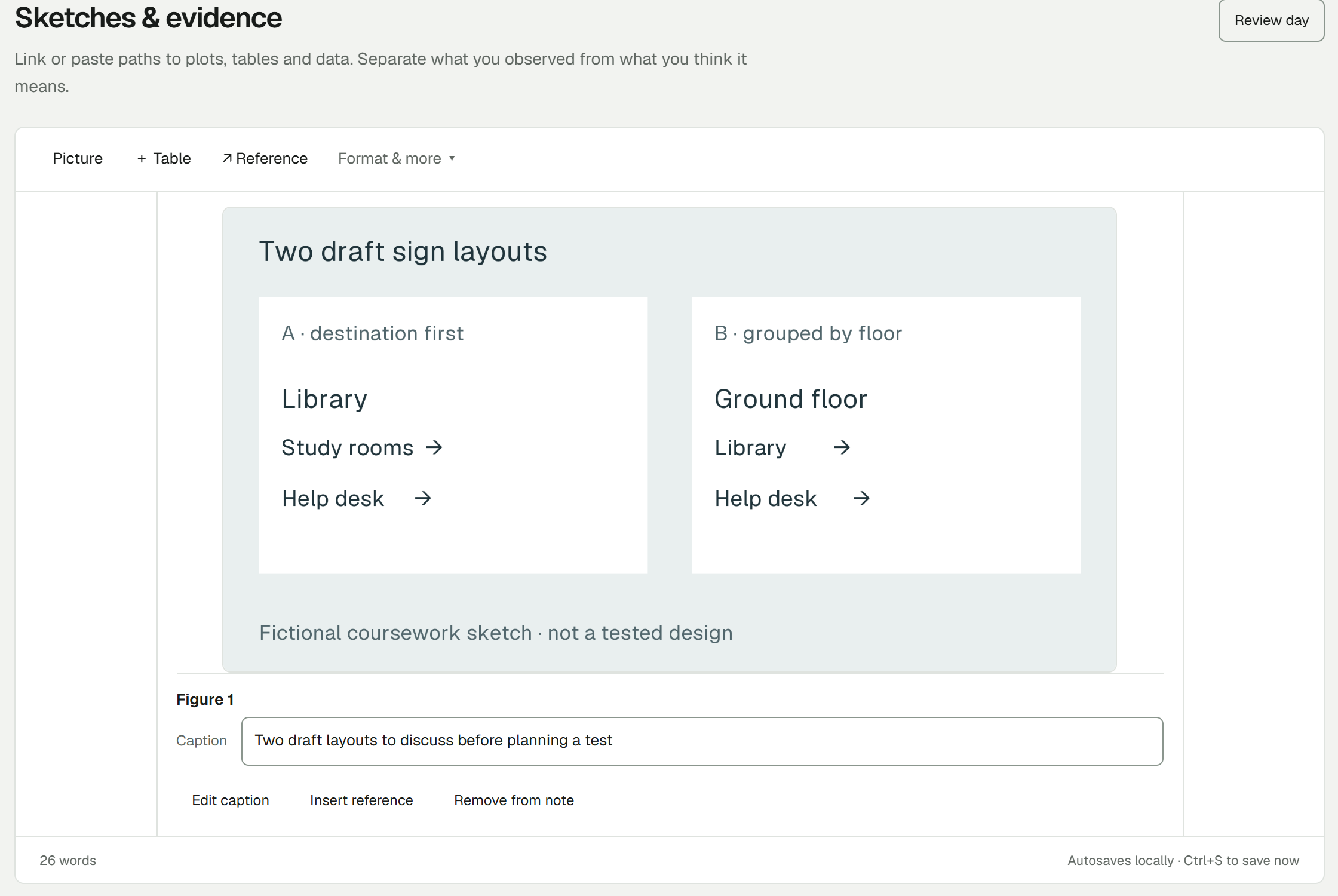
In Sketches & feedback, use Picture to import the local image. Add a useful description and caption. Name the iteration and say what you want to examine; a filename alone rarely explains the decision.
Separate observation and judgement
“The sketch groups quiet spaces together” describes the draft. “Students will prefer this” needs evidence. Write the observation, your interpretation and the uncertainty as separate statements.
Record the decision and its limit
In Decisions & risks, say what you chose, why, and what could change the decision. For the example: make the next sketch and record why it changed before planning a later test.
Close with the next action
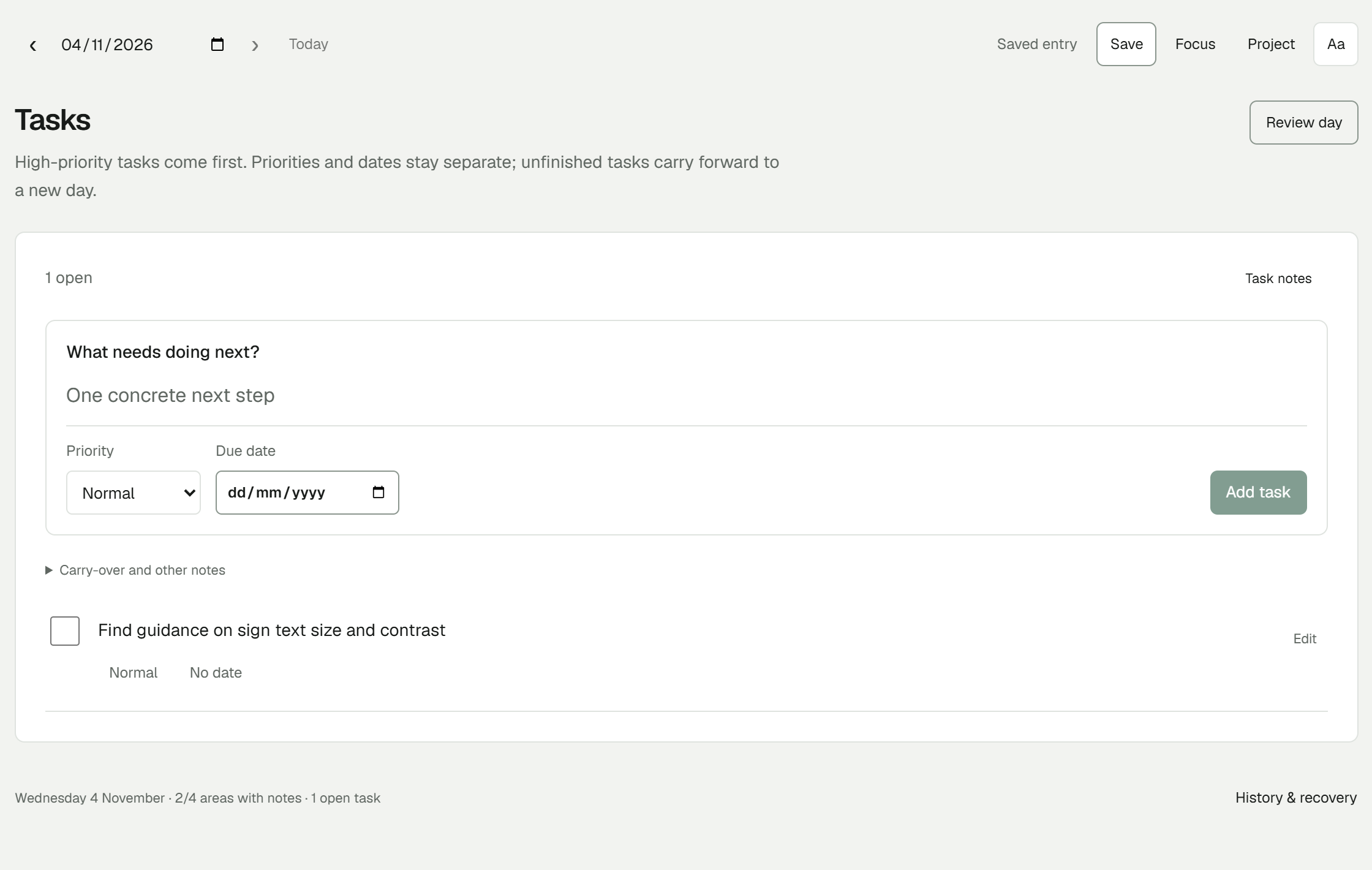
Write a task that can be started in one sitting. When you return, review carried tasks before adding new ones. Keep a separate backup of notes and imported pictures; a saved note and a backup serve different purposes.
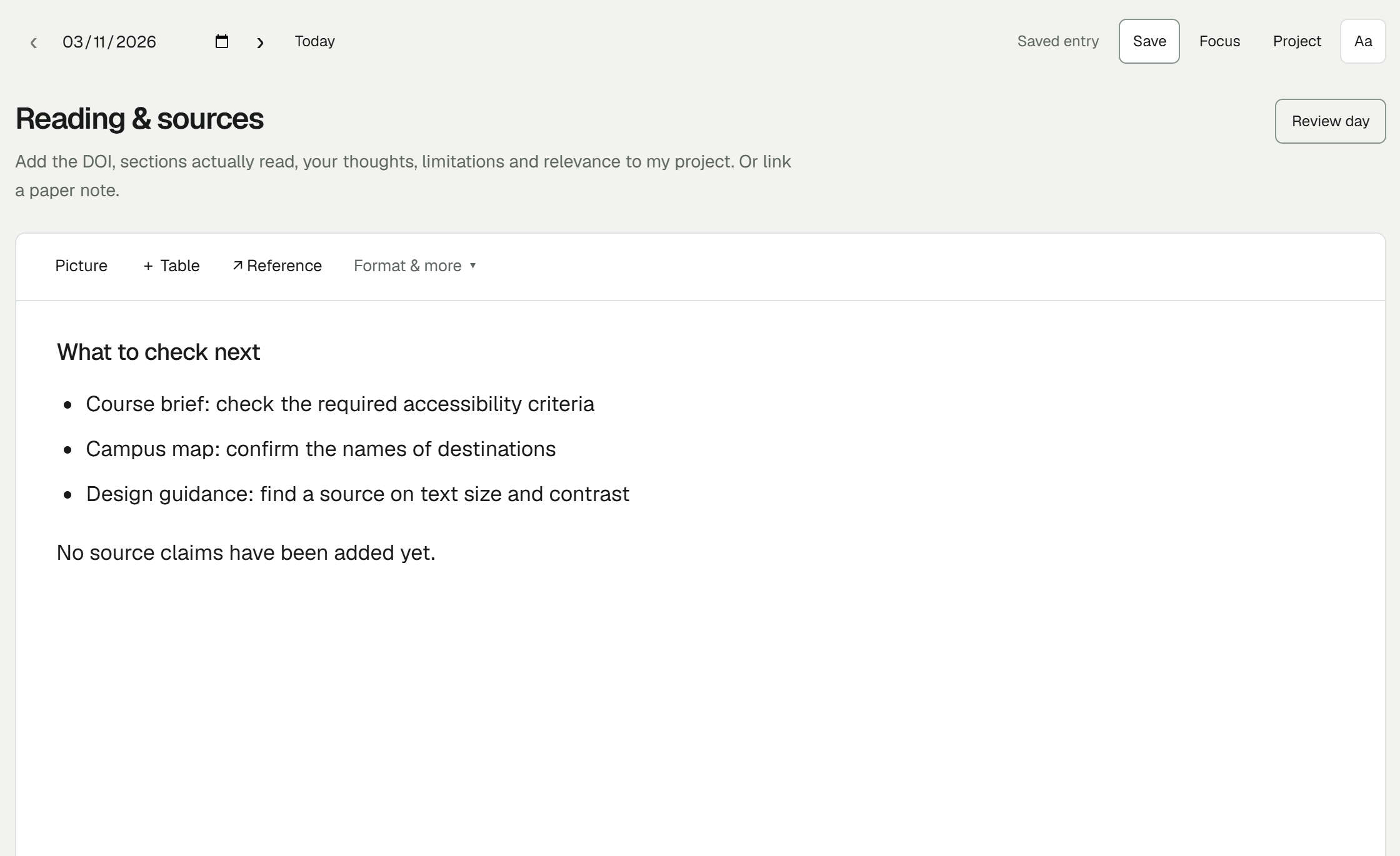
Try one project note
Download the starter, open the worked example, then use its clean layout for your own project. No separate Research Logbook account is needed.
Free early beta for Windows x64. Start with a made-up note and keep a separate backup.