Research Logbook

See a session.

A short example of keeping research work and the next step together.

This is an illustrated walkthrough with real app screenshots and made-up content. It is not an interactive version of the Windows app and does not test installation or saving.

Read the sample entry

No signup, download or feedback required.

Today’s entry

Made-up project: comparing ways to organise a literature review. No real study or participant data.

What I tried

I grouped six example source notes by theme instead of by publication date.

What I noticed

Two sources appeared in more than one theme. I need to separate the source’s claim from my interpretation before combining them.

Where I left off

I stopped after the first theme. The comparison is unfinished.

Next action

Reopen the first two source notes and add one sentence to each: “What does this source actually claim?”

Return for the next session

Start here: reopen the first two source notes. Check the claims before extending the theme summary.

The note gives you a specific first action, without rereading the whole project. In the Windows app, unfinished tasks can carry into the next entry.
Inside the Windows app

These are actual captures of version 0.8.0-beta.2 using synthetic examples. The example text differs from the short entry above.

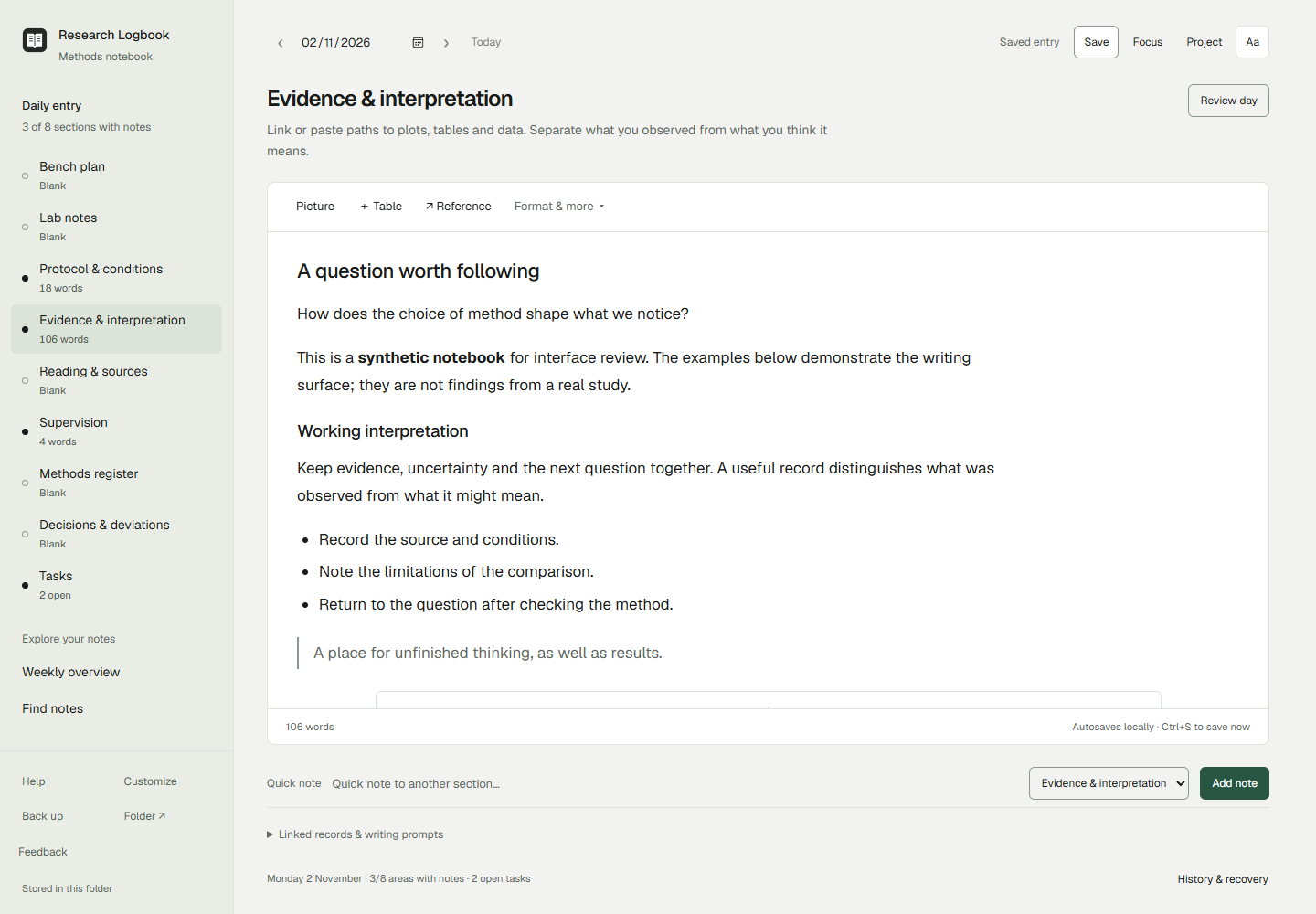
Daily writing page with a section trail alongside formatted research notes.
Write and return to the sections that fit your project. Open full-size writing screen.
See pictures beside notes
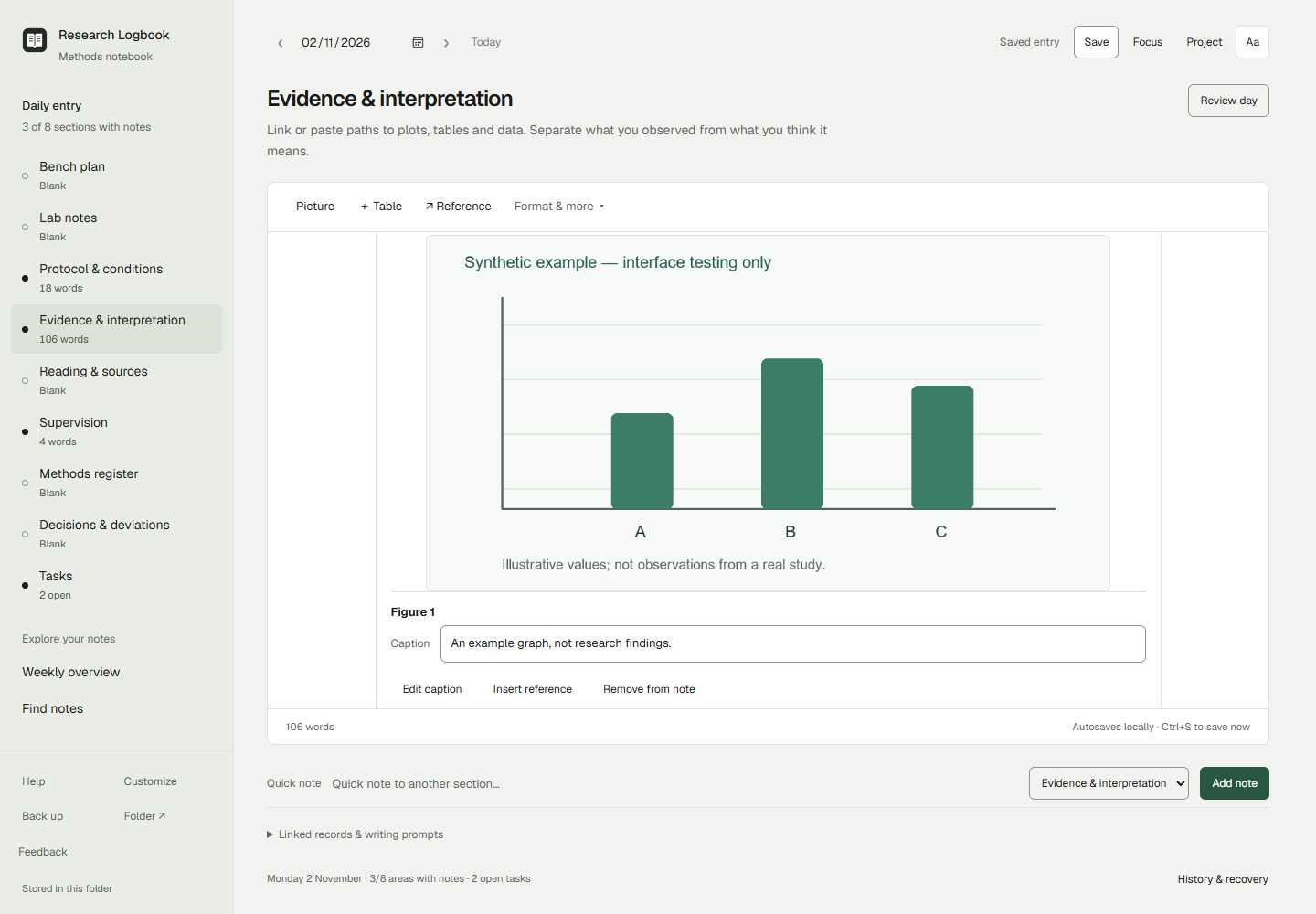
A synthetic local picture with an editable caption beside research interpretation.
Keep a picture and your own interpretation together. Open full-size picture screen.
See the closing review
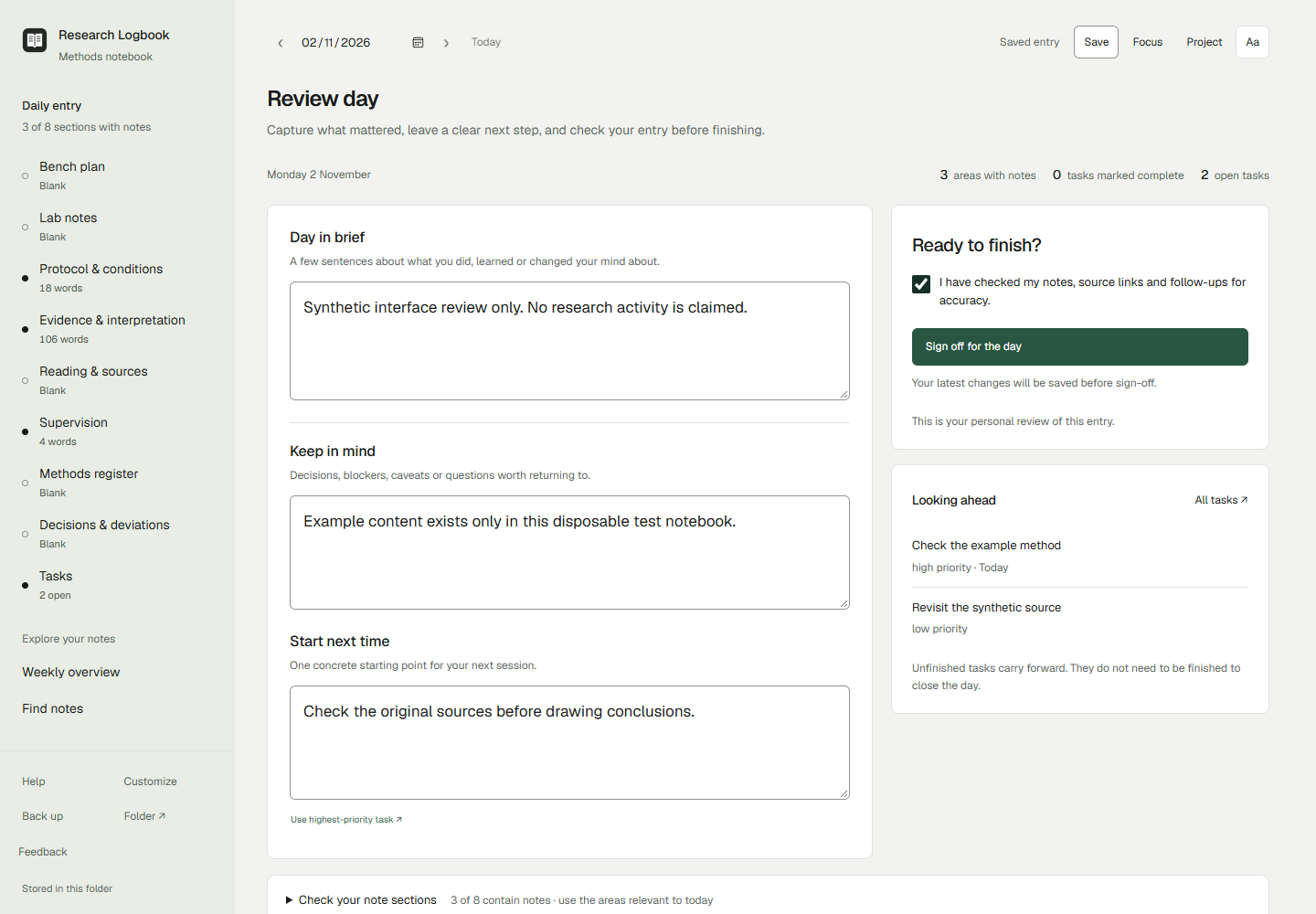
The app’s closing review for a synthetic research day, with a next starting point.
Leave your next starting point. Personal review is not an immutable or cryptographic signature. Open full-size review screen.

Try writing now

Open the temporary browser trial to edit a made-up entry using the app’s actual writing editor. No signup, installation or real research data needed.

Try the idea today

Use the prompts in your current notes: what I tried, what I noticed, where I left off, and one next action.

Download the plain-text template (.md, under 1 KB). It contains prompts only, no software. Open it in a text editor or copy the headings into your usual notebook. This is optional; you can use the idea without downloading.

What gets in your way?

What would stop you using this for your next research session? A short reply is enough, even if your answer is “I already have a better way”.

Reply in the community where you found the sample, or use the existing feedback form. Choose “Something was confusing” or “Suggest an improvement” and mention “website sample”. Technical fields can be left blank. Email and screenshots are optional. Please keep confidential research out of replies.

Privacy · Windows access and release status