Research notes for your next session
A free Windows notebook for research notes, pictures, sources and next steps.
See how a short research session becomes a useful starting point for tomorrow.
No signup or installation. Temporary writing trial; Windows app access is pending.
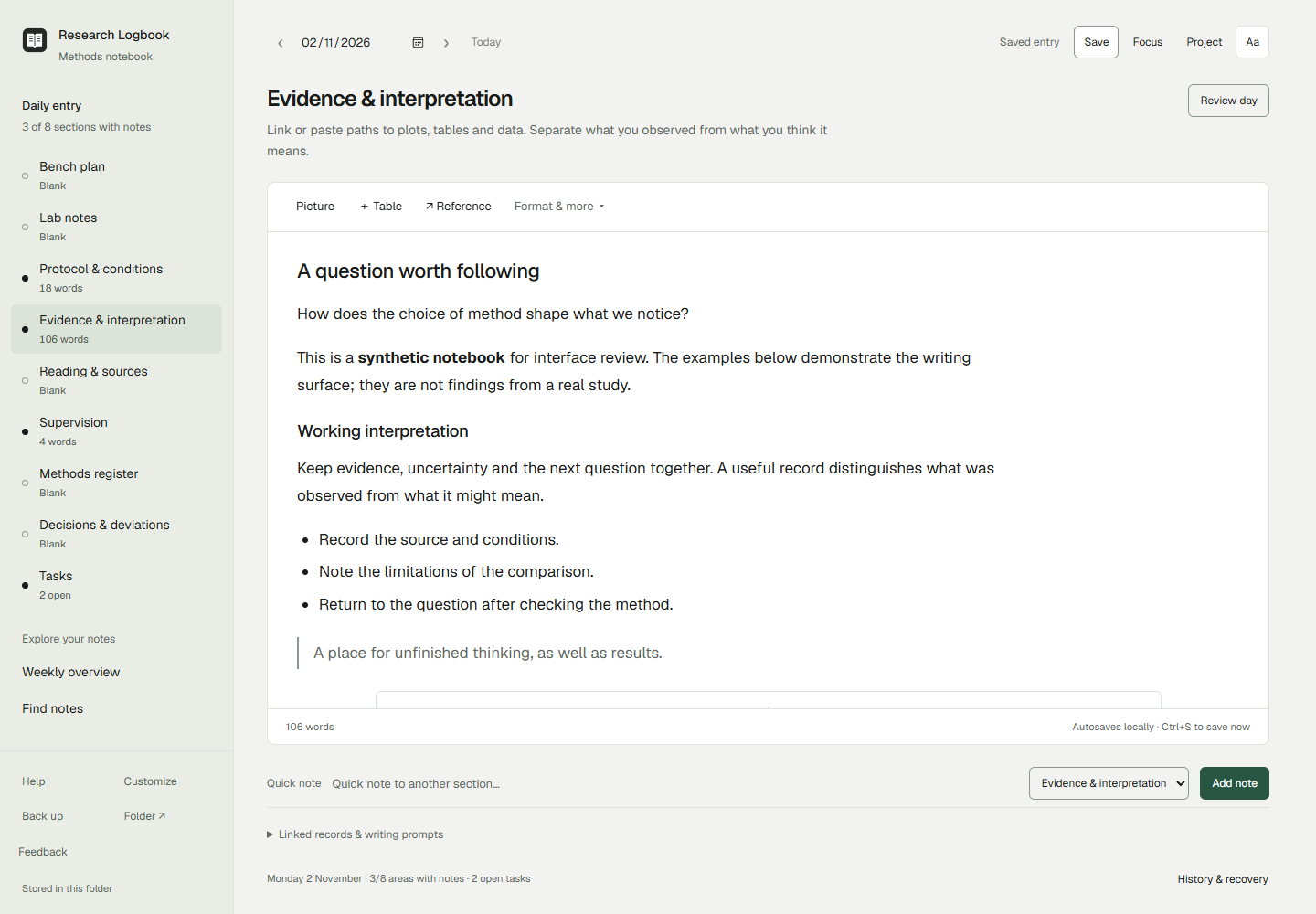
Start with one session
The browser trial uses the app’s actual writing editor in a smaller temporary workspace. Change a made-up note, leave a next action, and read your handoff. It does not save files or test the Windows installation.
You can also see the Windows app or use the research-log templates in your current notes. No new notebook system is required to try the idea. Read the five-minute research-session handoff guide.
A place to return to
Keep what you tried, what you noticed and what you will do next together. Add captioned pictures and sources when they help. Your saved notebook stays in a folder you choose, as readable Markdown notes and local pictures.
There is no app account, cloud sync or AI writing service. The Windows beta is for x64 computers. Notebook files and backups are not encrypted by the app; keep a separate backup and follow your institution’s research-record requirements.
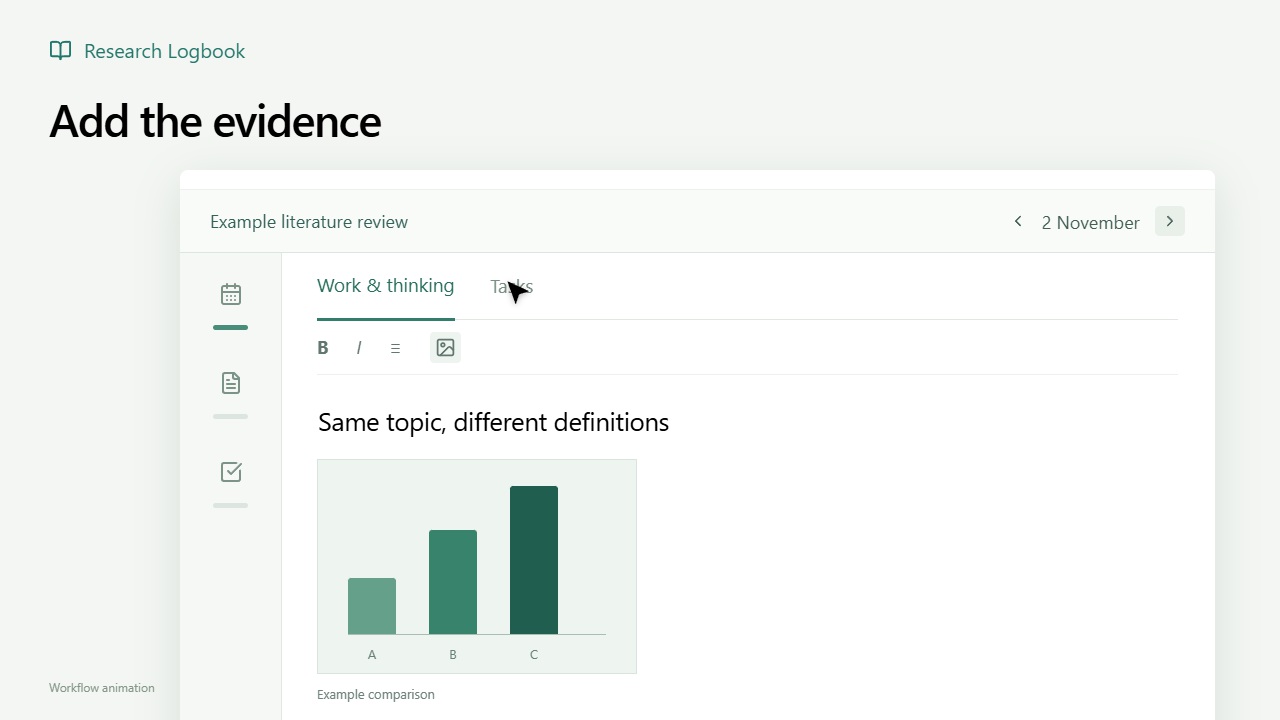
A research session in 17 seconds
Watch the animation: write a note, add a picture and leave a next step.
App access is pending
Research Logbook was submitted to the Microsoft Store for certification on 3 November 2026. The Windows beta has not been released. There is currently no approved installation link.
The browser trial and illustrated sample are available without signing up. If you want to register interest in the Windows beta, use the existing interest form. Email and willingness to give feedback are optional. Registration does not provide immediate access.
The approved installation link will appear here after the Store and first-use checks and the release decision. You will be able to install without completing our interest form or promising feedback.
Checks still open
Local synthetic workflow checks have been completed for 0.8.0-beta.2. Certification and genuine Store installation, update and removal checks remain open. Independent-device and screen-reader testing remain open. Local checks do not establish public beta readiness.
One useful reaction
After trying the writing workflow: what would stop you using this for your next research session?
You can reply in the community where you found it, or use the existing feedback form. In the form, choose “Something was confusing” or “Suggest an improvement” and mention “browser trial” or “website sample”. Contact details are optional; technical fields can be left blank for sample feedback.
Developed independently by Dimas Visser in the Netherlands. Read the privacy notice before sending information. Please use made-up examples.